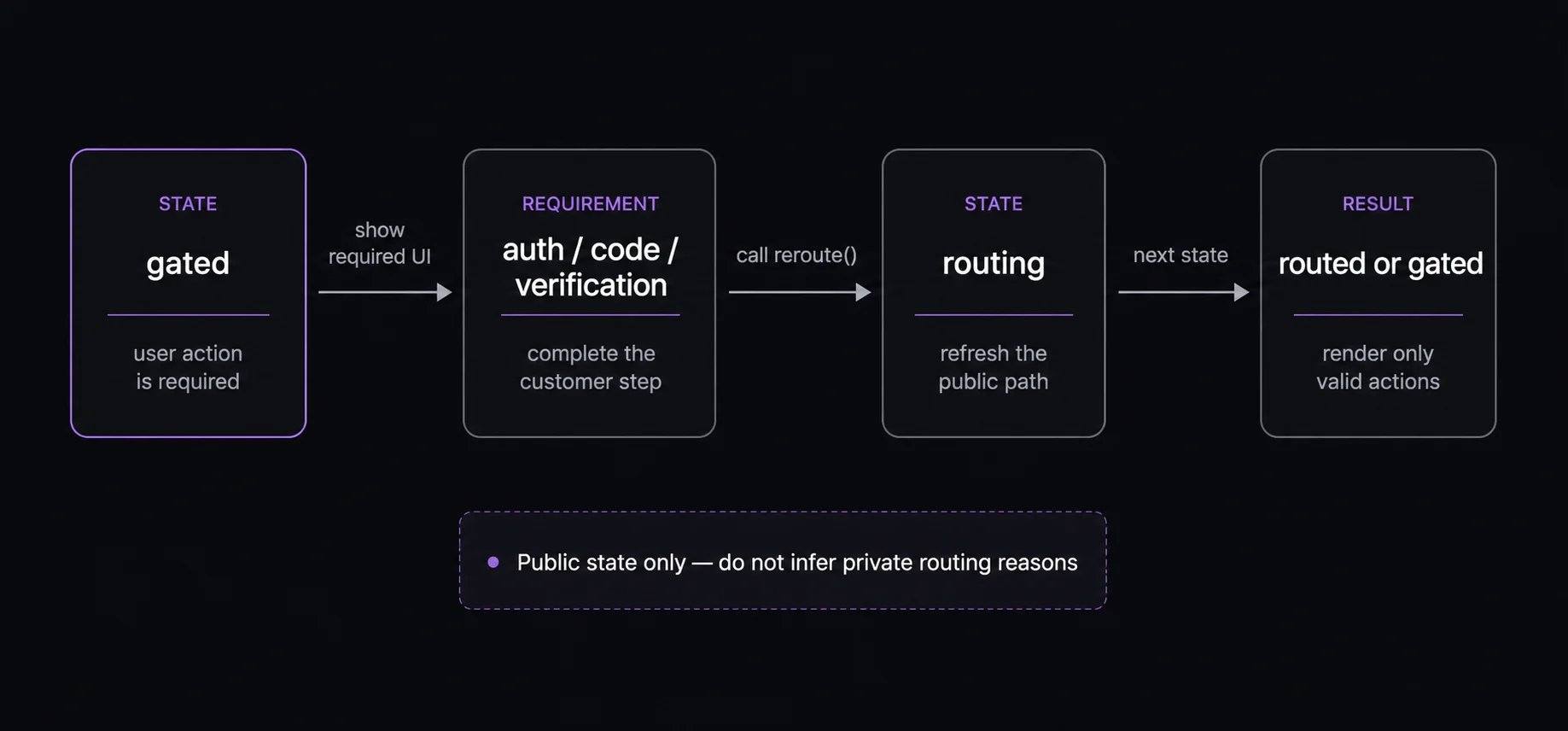
When a journey is gated, Fanfare is telling your application that the consumer must complete a public requirement before the journey can continue.
Your integration should present the appropriate UI, complete the required customer action, then call reroute() to ask Fanfare for the next public state. Gate and authentication workflow showing gated state, required customer action, reroute, routing, and the next public state.
Gate types

Do not explain private enforcement details in your UI. Use clear outcome language such as “Additional verification is required” or “Enter your access code to continue.”

Email or phone auth

You can also create a guest session for flows that allow anonymous participation:
If your organization has its own authentication system, you can clear the authentication gate without OTP by exchanging a code your backend requests on the user’s behalf — see External Authentication.

Access codes

If the code is invalid, the journey may remain gated. Keep the consumer on the access-code UI and let the next view$ value drive the message.

Additional verification

For additional verification, render the verification experience your Fanfare contact has enabled for your account. When the user completes it, verify the challenge result and reroute.
Keep verification copy generic. The integration should not expose why a verification step appeared or how Fanfare evaluates access.