

Mental Model
The core concept is a journey: one customer’s progress through one Fanfare experience.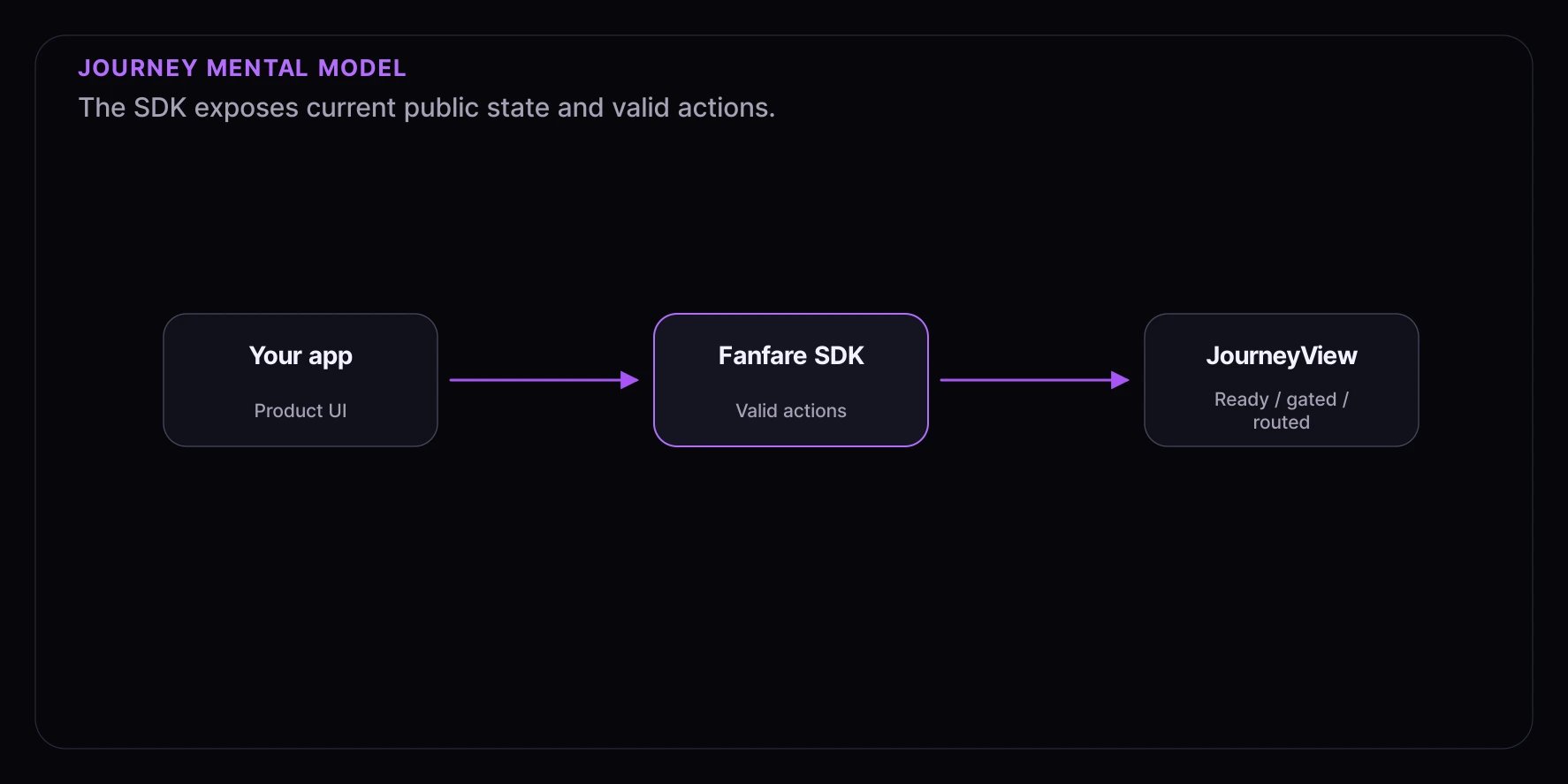
Key Concepts
Organization
Your Fanfare account is an organization. Your dashboard provides anorganizationId and publishable keys for browser SDK setup.
Experience
An experience is the customer-facing event you embed in your site, such as a product launch, ticket sale, appointment release, or member access window. SDK examples use experience IDs such asexp_123.
Journey
A journey is the SDK object for a customer inside an experience. In the core SDK, you get one with:journey.view$, which emits JourneyView.
JourneyView
JourneyView is the public UI contract. It exposes top-level stages such as:
When the journey is routed, the nested sequence has a
phase such as scheduled, enterable, participating, settling, granted, ended, or unavailable. It also has a mechanism such as queue, draw, auction, appointment, timed_release, or waitlist. See Journey State for the full model.
Grant
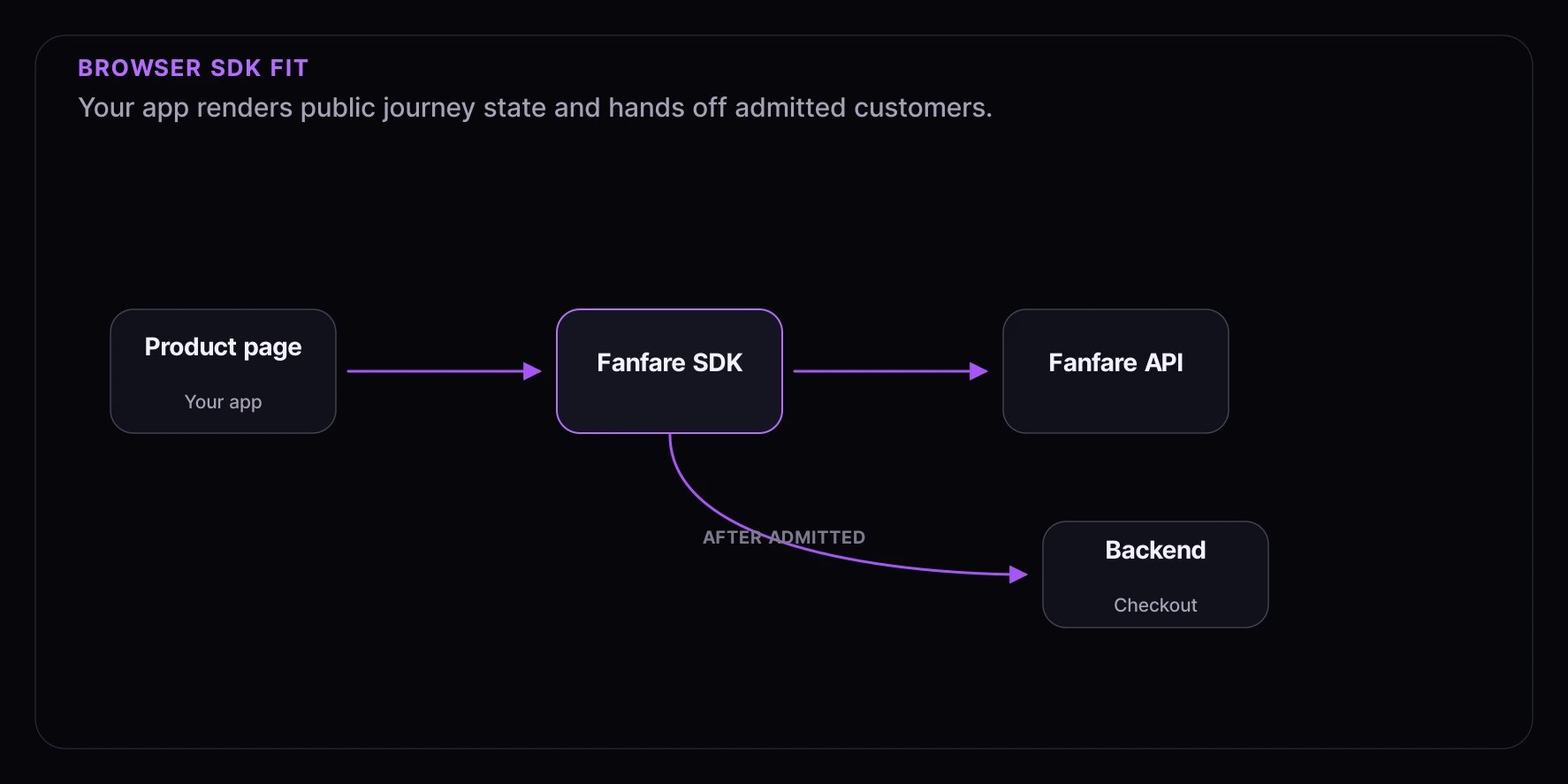
When the customer has access to continue, the public view exposessequence.phase === "granted" and a sequence.grant. Treat grant values as sensitive runtime data. Use them only for the next step in your integration, such as a server handoff or checkout transition.
Integration Paths
Start with Choose Your Path if you are deciding between these options.
How The Browser SDK Fits
What You Need
- A Fanfare account and dashboard access.
- An
organizationIdand browser-safepublishableKey. - An experience ID, such as
exp_123. - A frontend integration path: React, core SDK, or web components.
- A server-side handoff for checkout or another protected next step.
Public-Safe Integration Rule
Build against the public state and action contract. Avoid customer-facing copy, analytics, tests, or routing logic that depends on private reasons why a customer reached a state.Next Steps
- Installation - Install the current SDK packages.
- Quickstart - Add a React
ExperienceWidget. - Public Integration Model - Learn what the public SDK contract exposes.