

How Queues Work
When consumers join a standard queue, they’re assigned a position and wait for their turn: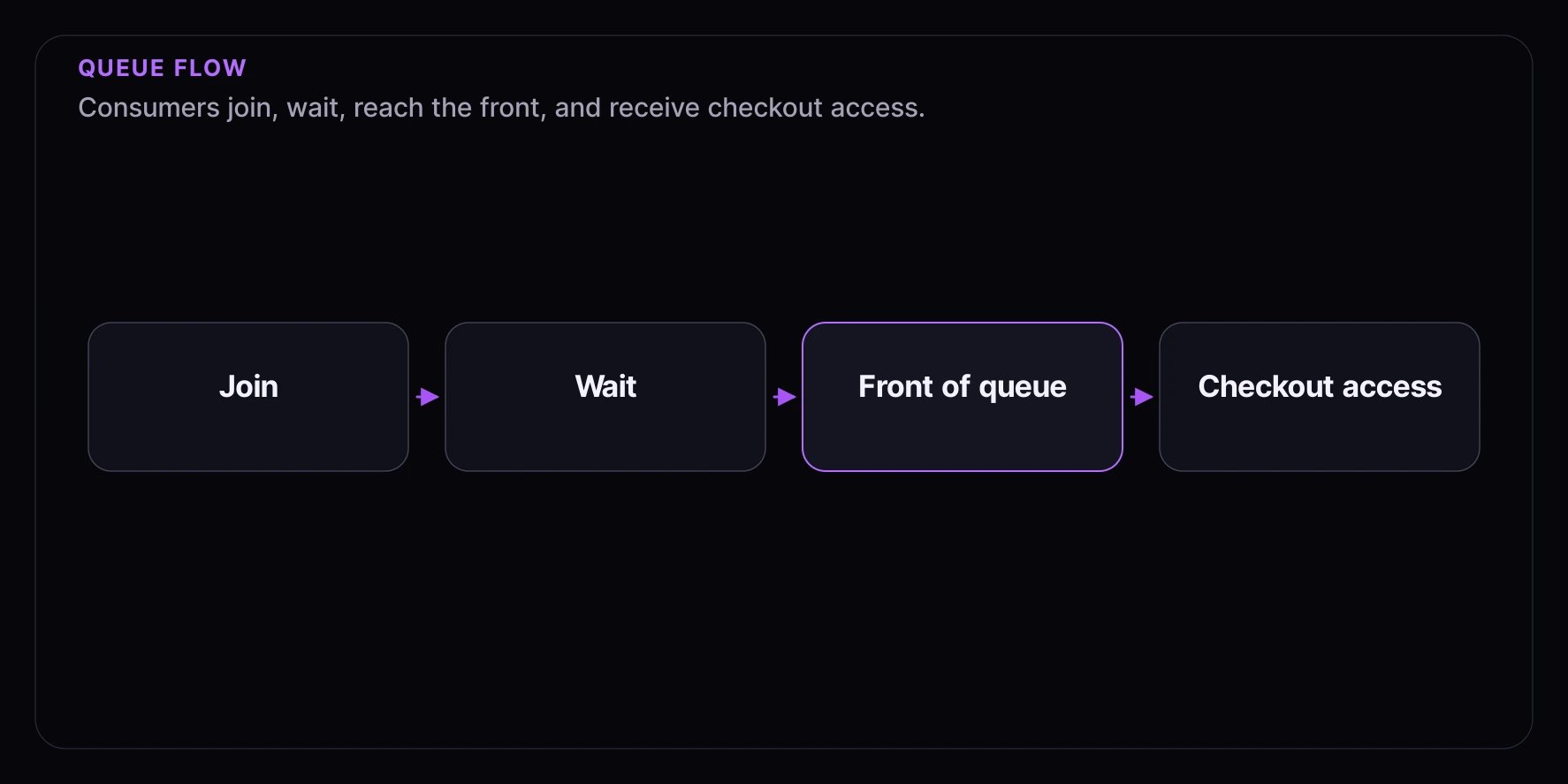
The Consumer Experience
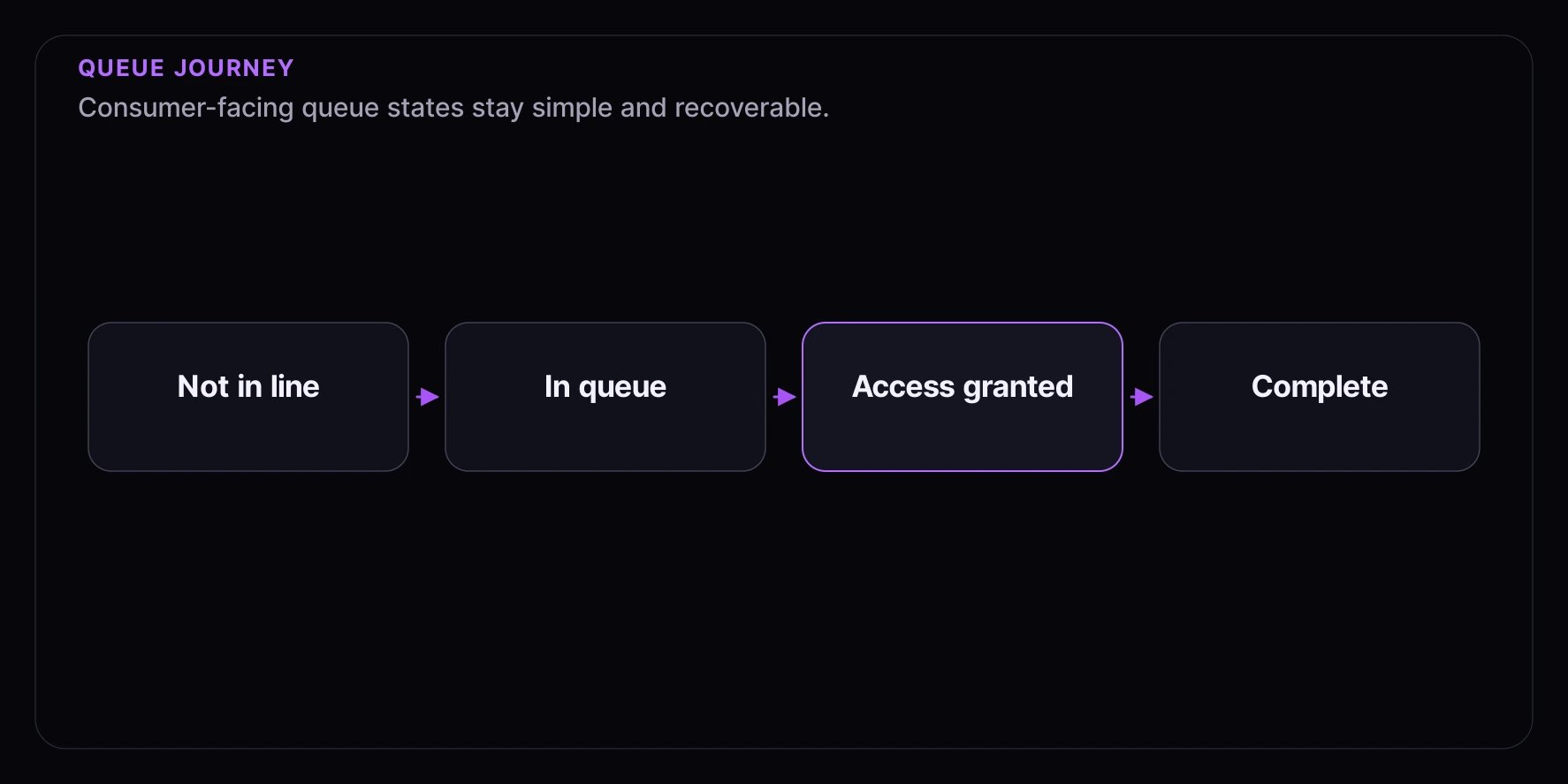
- Join — Consumer enters the queue and receives either a position number or qualitative progress messaging
- Wait — Progress updates in real time as the line moves forward
- Get access — When they reach the front, they’re notified they can checkout
- Complete purchase — Limited time window to finish their purchase
Consumer Journey
When to Use Queues
Configuration Options
Admission Rate
How many consumers per minute receive access to checkout.
Tips for setting admission rate:
- Match your checkout system’s capacity
- Too high = checkout overwhelmed
- Too low = unnecessary waiting
Queue Capacity
Maximum consumers allowed in the queue at once.- Set a limit when you want to manage server load or set expectations
- Leave unlimited when you want to accept everyone and let them wait
Total Admissions
Maximum total consumers who can receive access.- Set a limit when inventory is fixed (e.g., 500 items available)
- Leave unlimited when you want continuous access until closing time
Access Window Duration
How long consumers have to complete checkout after receiving access.Loyalty-Biased Admission
Enable loyalty-biased admission only when your launch should recognize loyalty or engagement as part of the queue experience. It does not guarantee access and should not be described as a fixed place in line. When this setting is enabled:- Use qualitative progress messaging instead of precise numeric queue positions.
- Avoid copy that promises a loyal consumer will be admitted.
- Review promotion, fairness, and eligibility language before launch.
What Consumers See
While Waiting
- Their current position in line, or qualitative progress language when loyalty-biased admission is enabled
- Estimated wait time
- Real-time updates as the line moves
When It’s Their Turn
- Notification that they can proceed
- Time remaining to complete purchase
- Clear call-to-action to checkout
If They Take Too Long
- Warning as time runs low
- Notification when access expires
- Option to rejoin (if the queue is still open)
Configuration Examples
Product Launch
High-demand sneaker drop with limited inventory:Event Ticketing
Concert tickets going on sale:Flash Sale
Time-limited sale with steady access:Why Consumers Might Not Get In
Best Practices
1. Set the Right Admission Rate
Match your checkout capacity. If your checkout can handle 2 purchases per second, an admission rate of 100/minute leaves headroom for abandoned carts.2. Configure Appropriate Time Windows
Balance urgency with fairness:- Too short = frustrated consumers who can’t complete in time
- Too long = people holding spots they won’t use
3. Communicate Clearly
Show consumers:- Their position and estimated wait for first-come, first-served queues
- Qualitative progress or status messaging for queues with loyalty-biased admission enabled
- What happens when it’s their turn
- How long they’ll have to complete
4. Handle Capacity Gracefully
When the queue fills up:- Show a clear message about capacity
- Offer a waitlist as an alternative
- Give expected reopening times
Common Patterns
Rolling Queue
Continuously accepts and admits consumers over a longer period:- Open for an extended time (days or weeks)
- Steady admission rate
- No total admission limit
- Limited queue capacity to manage expectations
Burst Queue
Handles launch-day spikes:- Short open window (30 minutes to a few hours)
- Higher admission rate
- Set total admissions to match inventory
- Unlimited queue capacity to accept everyone
Recycling Expired Spots
When consumers don’t complete checkout:- Their spot can be recycled
- Next person in line gets access sooner
- Helps ensure all inventory sells
Related Concepts
- Distributions Overview — Common distribution concepts
- Draw Distribution — Random selection alternative
- Auction Distribution — Competitive bidding
- Appointment Distribution — Time-slot booking
- Timed Release Distribution — Instant access at scheduled time
- Waitlist Distribution — Interest capture and notifications
- Audiences — Tiered access for different consumer groups