

What is an Experience?
Think of an experience as a campaign for a specific launch or event. When you create an experience, you define:- What — Which products are available
- When — Opening and closing times
- How — The method consumers use to get access (queue, draw, auction, etc.)
- Who — Which consumer groups can participate (optional)
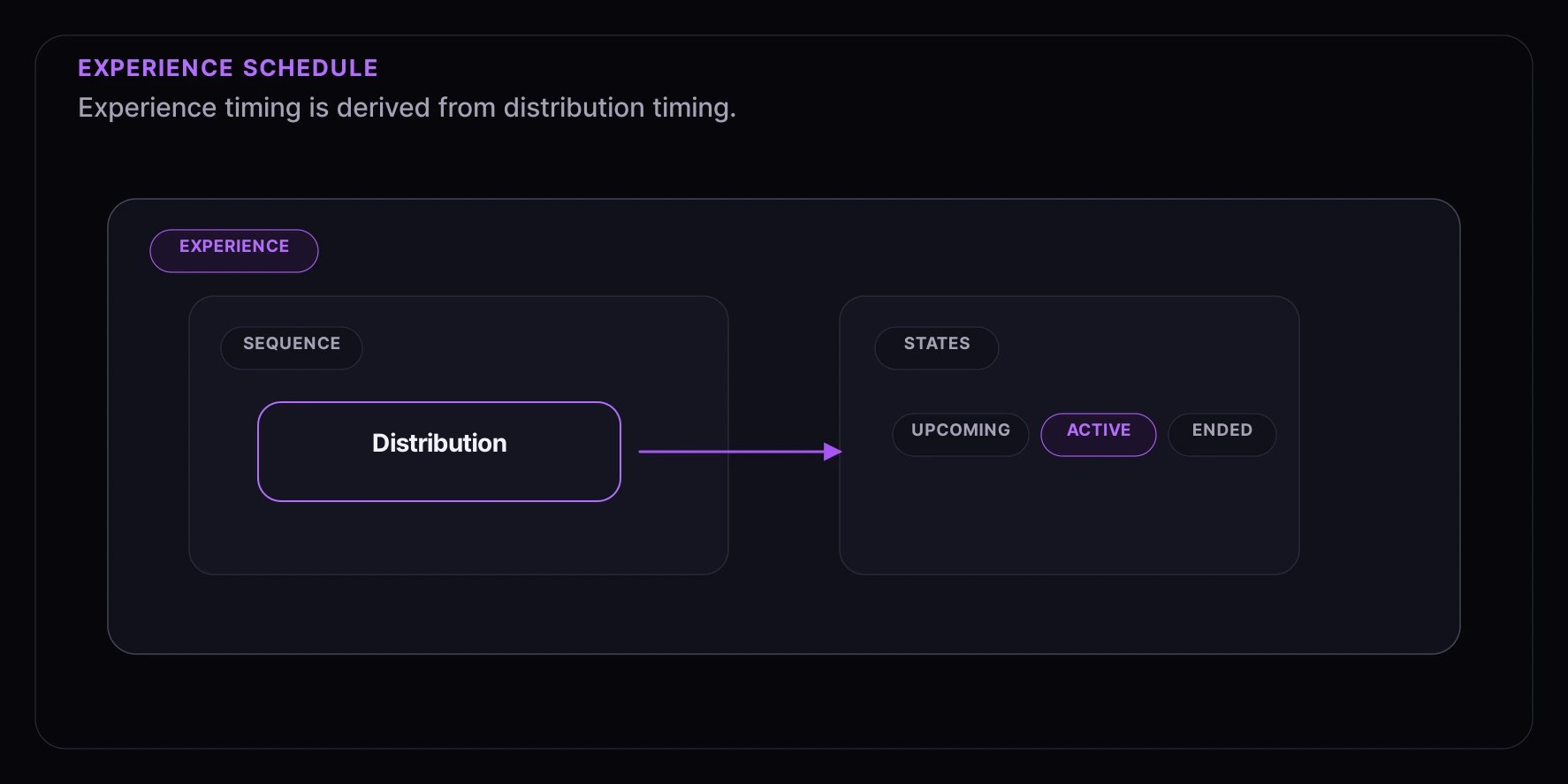
Experience Schedule
Draw
drawAt and auction settleAt can extend the derived experience schedule beyond the entry or bidding window because they represent outcome timing.
Access Paths (Sequences)
Within an experience, you can create multiple access paths (called sequences) to give different consumer groups different experiences: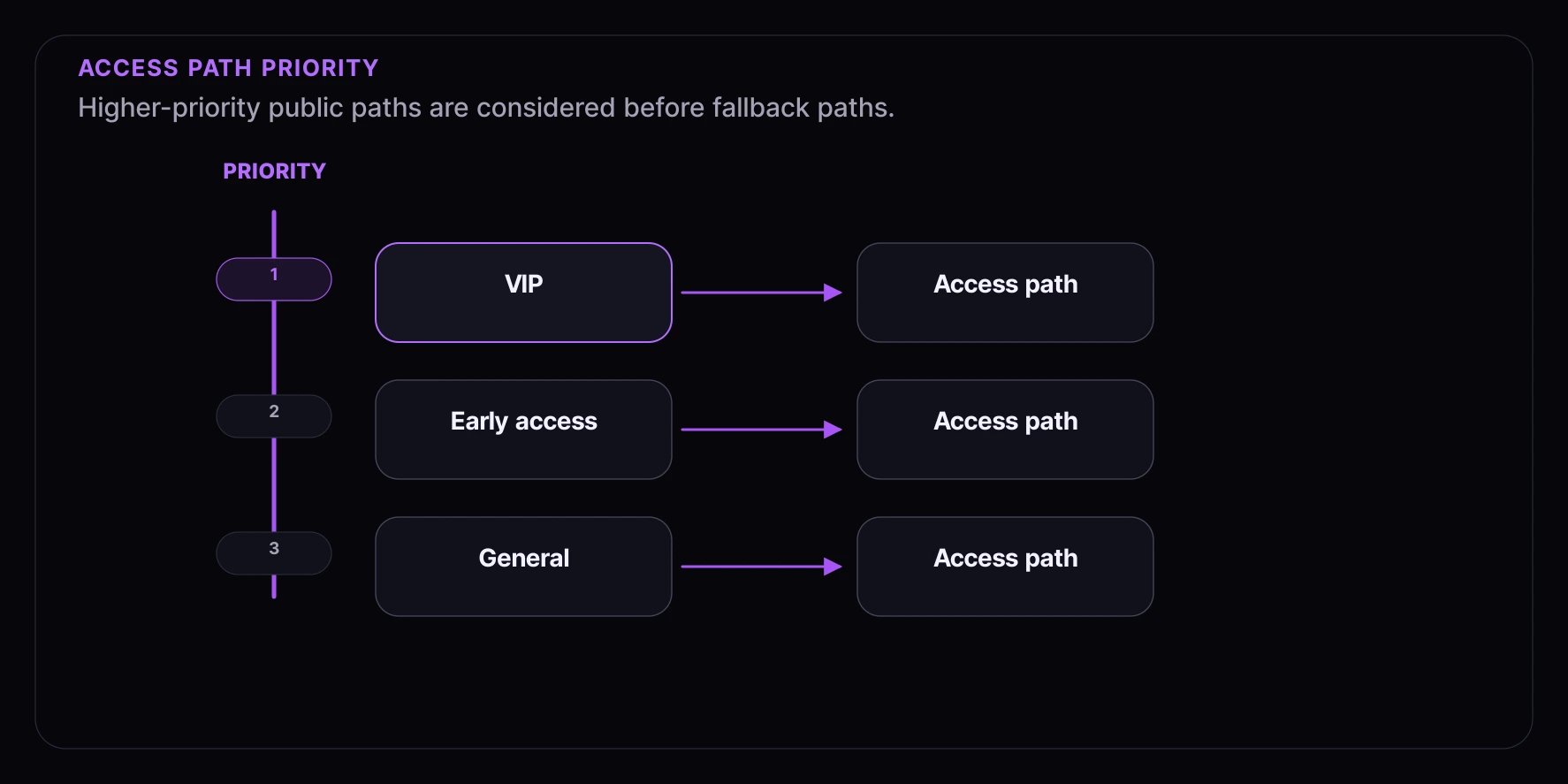
How Routing Works
When a consumer enters your experience:- Fanfare evaluates available sequences in priority order.
- The response returns a public outcome such as
routed,gated, orno_access. - If the consumer is gated, the response tells your UI which public requirement to collect, such as authentication, an access code, or a verification step.
- Once routed, the current journey state exposes only the actions that are valid for that state.
Common Patterns
VIP Early AccessProducts in Experiences
You can associate one or more products with an experience:Single Product
Most experiences have one product — a product launch, limited edition, or exclusive item.Multiple Products
You can offer several products in one experience — useful for collection drops, bundle sales, or mystery boxes. Depending on the experience setup, consumers can choose a product or Fanfare can assign one from the configured product pool.Product Selection
You can control how products are selected:- Consumer-selected — Consumers pick their preferred product or variant
- System-assigned — Fanfare assigns from the configured product pool (great for mystery boxes)
Theming and Customization
Each experience can have its own look and feel:- Colors — Match your brand
- Logo — Your company logo
- Background — Custom images or colors
- Language — Customize text and messages
Consumer Journey Phases
When consumers participate in an experience, they move through phases:1. Arriving
Consumer lands on the experience page. They see:- Product information
- When the experience opens (if scheduled)
- What access method is being used
2. Joining
Consumer enters the experience:- May need to provide contact information
- May need an access code
- Gets assigned to the appropriate access path
3. Participating
Consumer participates according to the distribution type:- Waiting in a queue
- Entered in a draw
- Placing bids in an auction
- Booking an appointment
- Claiming a timed release
- Joining a waitlist when the current access path offers one
4. Getting Access
When it’s their turn, the consumer receives access to checkout. This typically includes:- A time-limited window to complete their purchase
- Real-time status updates
- Clear next steps
5. Completing
Consumer completes their purchase within the access window.Best Practices
Plan Your Timing
- Set opening times that work for your target audience’s timezone
- Give yourself buffer time before high-profile launches
- Consider closing times based on your operational capacity
Design Access Paths Thoughtfully
- Higher-priority paths should have stricter eligibility requirements
- Always have a general access path as a fallback
- Test your routing logic before launch
Prepare Products Early
- Associate products before the experience opens
- Ensure inventory is accurate
- Test the checkout flow
Test the Consumer Flow
- Use preview mode to see what consumers will experience
- Test all access paths with different scenarios
- Verify timing displays correctly in different timezones
Next Steps
- Distribution Types — Learn about queues, draws, auctions, and more
- Audiences — Create targeted consumer groups
- Products — Set up your product catalog