SSR Integration Guide
Learn how to integrate Fanfare into server-side rendered applications using Next.js, Remix, or Nuxt.Overview
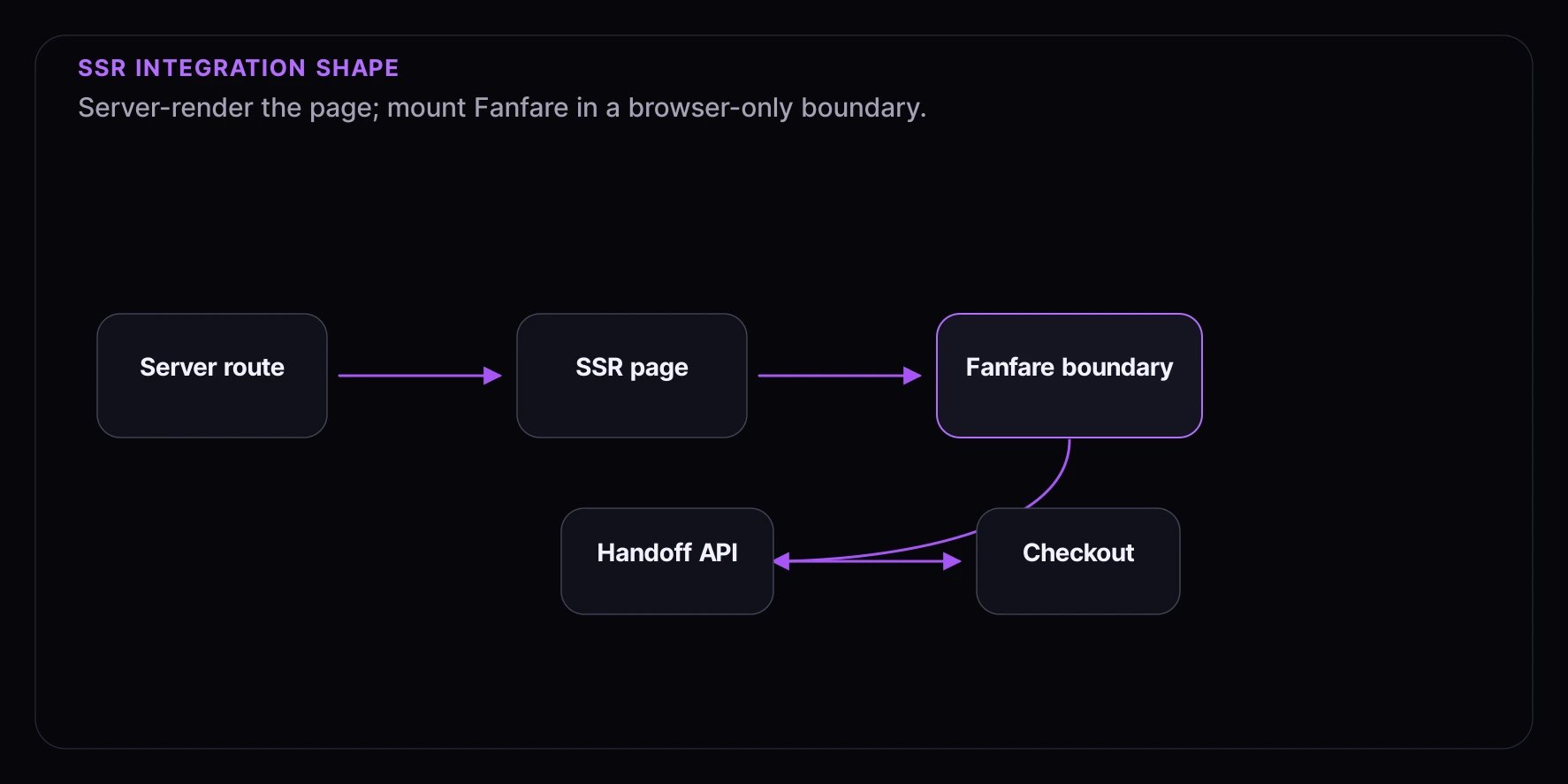
This guide covers integrating Fanfare into applications that use server-side rendering (SSR). The key challenge with SSR is that the SDK runs in the browser, but your pages may render on the server first. What you’ll learn:- Handling client/server rendering boundaries
- Hydration-safe SDK initialization
- Server-side consumer identification
- Session management across requests
Prerequisites
- A Fanfare account with API credentials
- A Next.js 14+, Remix, or Nuxt application
- Understanding of SSR concepts and hydration
Key Concepts
Client-Only SDK
The Fanfare SDK is a browser-only library. It uses:localStoragefor session persistenceBroadcastChannelfor cross-tab sync- Browser fingerprinting for device identification
Server-Side Consumer Identification
For SSR apps, you may want to identify consumers server-side using:- JWT tokens from your authentication provider
- External authentication exchange
Next.js Integration
Step 1: Create a Client Provider
Create a client-only provider component:Step 2: Add Provider to Layout
Add the provider to your root layout:Step 3: Create a Client Experience Component
Experience components must be client components:Step 4: Use in Server Component Page
Fetch product data server-side, render experience client-side:Remix Integration
Step 1: Client-Only Provider
Create a client-only module:Step 2: Lazy Load in Root
UseClientOnly pattern or lazy loading:
Step 3: Use in Route Component
Server-Side Consumer Linking
When users are logged into your platform, link their identity to Fanfare:Step 1: Create Exchange Endpoint
Step 2: Exchange Code on Client
Handling Hydration Mismatches
Prevent hydration errors by conditionally rendering client content:Session Persistence Across Routes
The SDK automatically persists sessions inlocalStorage. For SSR apps:
- Initial page load: SDK initializes, restores session from storage
- Client navigation: Session persists, no re-initialization needed
- Full page reload: Session restored from storage on hydration
Environment Variables
Configure environment variables for SSR:Testing SSR Integration
Verify Client-Only Rendering
- Disable JavaScript in your browser
- Load the page - experience widget should show loading/placeholder
- Enable JavaScript - widget should hydrate and function
Check Hydration
Test Server-Side Identity Linking
- Log into your platform
- Check that exchange code is generated
- Verify consumer ID matches across sessions
Troubleshooting
Hydration Mismatch Errors
- Ensure SDK components are client-only
- Use
ClientOnlywrapper or"use client"directive - Check for conditional rendering based on
typeof window
Session Not Persisting
- Verify
localStorageis available - Check for privacy mode/incognito restrictions
- Ensure same origin for all pages
Identity Not Linking
- Verify secret key permissions
- Check exchange code hasn’t expired (60 seconds)
- Confirm user is logged into your platform
What’s Next
- JWT Tokens - Advanced authentication
- Identified Consumers - Linking platform accounts
- Checkout Integration - SSR checkout flows