

Marketing integrations (Klaviyo, Mailchimp, Meta, Discord, Telegram, and Twilio) require Growth or above. Google Analytics is available on every plan. On Starter, you can still disconnect existing integrations, while adding or reconnecting marketing integrations requires upgrading (Plans and what they unlock).
Before you start
- Check the Who can connect column below—several integrations require an organization admin (Team members).
Find your integrations
Go to Settings → Integrations (under Connections). Use the filter tabs—All Integrations, Email Marketing, Analytics, Social Media, and Communication—to narrow the grid.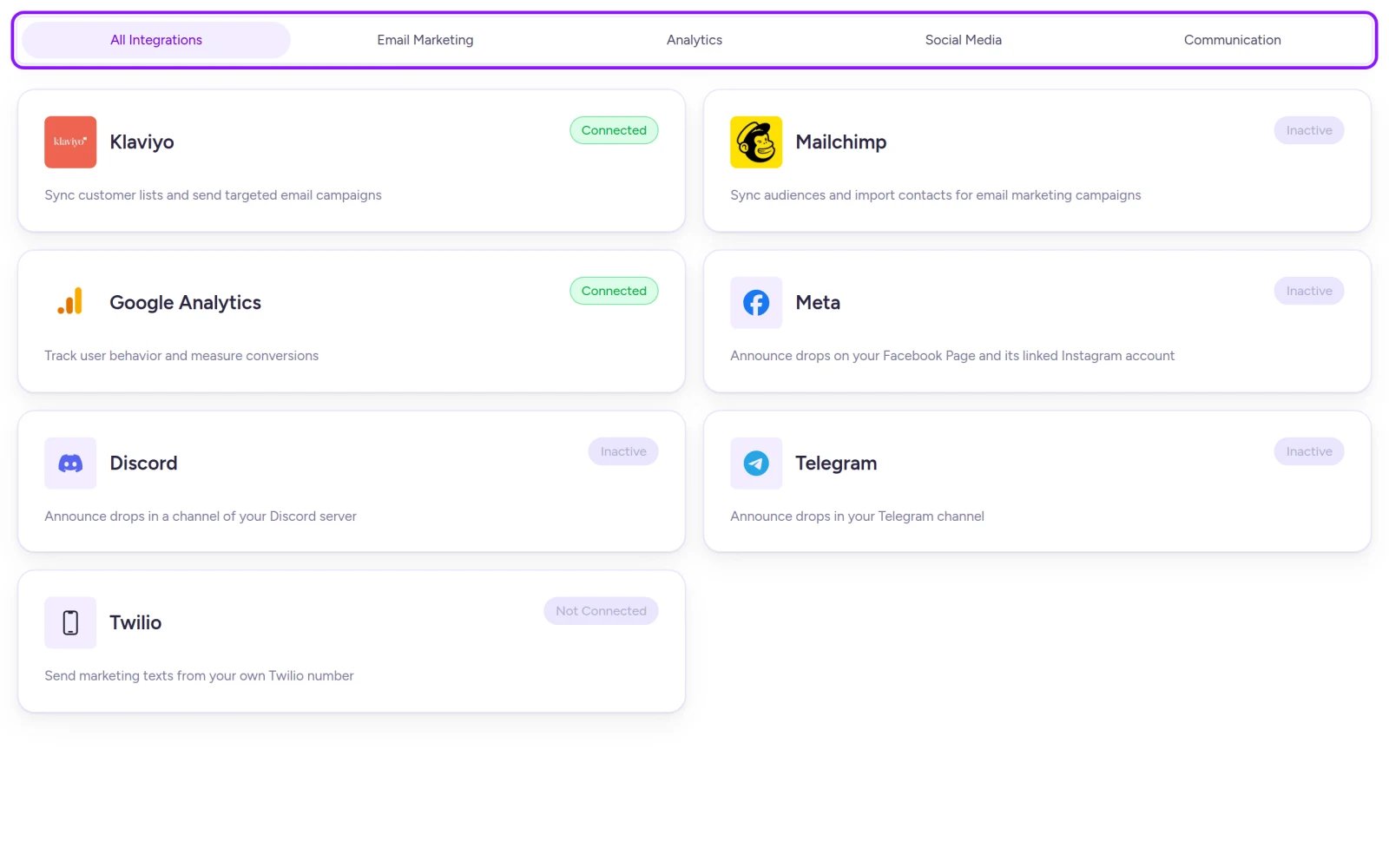
Each integration card shows its current connection status.
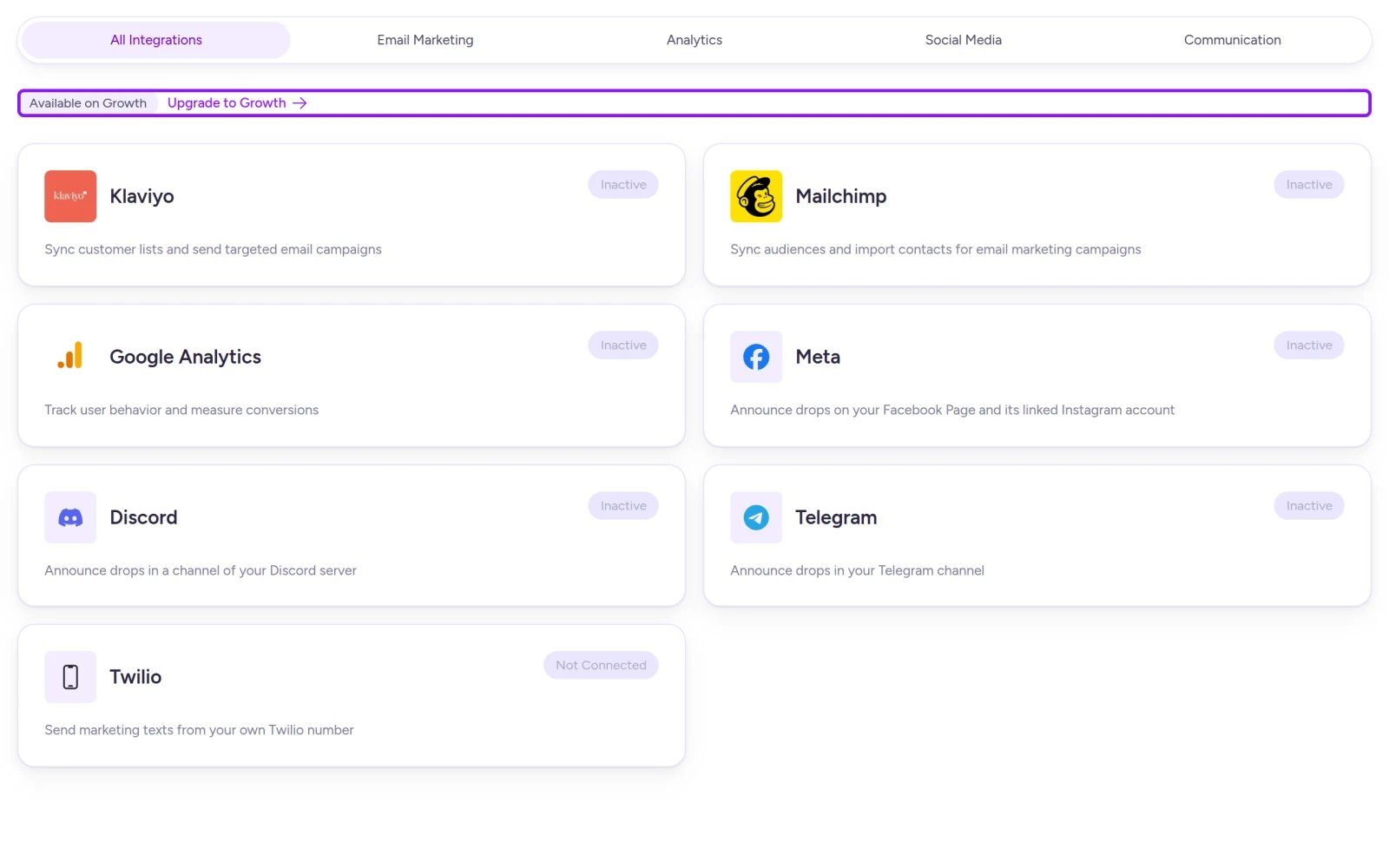
Integrations outside your current plan display an upgrade prompt above the cards.
Available integrations
For how these channels work in drops, see Build audiences and Announcements. Google Analytics is tracked separately from Fanfare’s built-in drop analytics (Read your results).
While you can save Klaviyo and Mailchimp connections here, importing lists directly from the Create Audience menu isn’t currently available.
Klaviyo and Mailchimp
- Select the Klaviyo or Mailchimp card.
- Paste your API Key:
- Klaviyo: Your private API key starting with
pk_(from your Klaviyo account settings). - Mailchimp: Your key in
key-datacenterformat, such asabc123-us19(from Mailchimp under Account & Billing → Extras → API keys).
- Klaviyo: Your private API key starting with
- Optionally enter a Connection name to tell multiple accounts apart.
- For Mailchimp, select Test Connection to verify the key before saving.
- Select Save.
Klaviyo doesn’t have a Test Connection button—an invalid key still saves as Connected, so double-check it carefully.
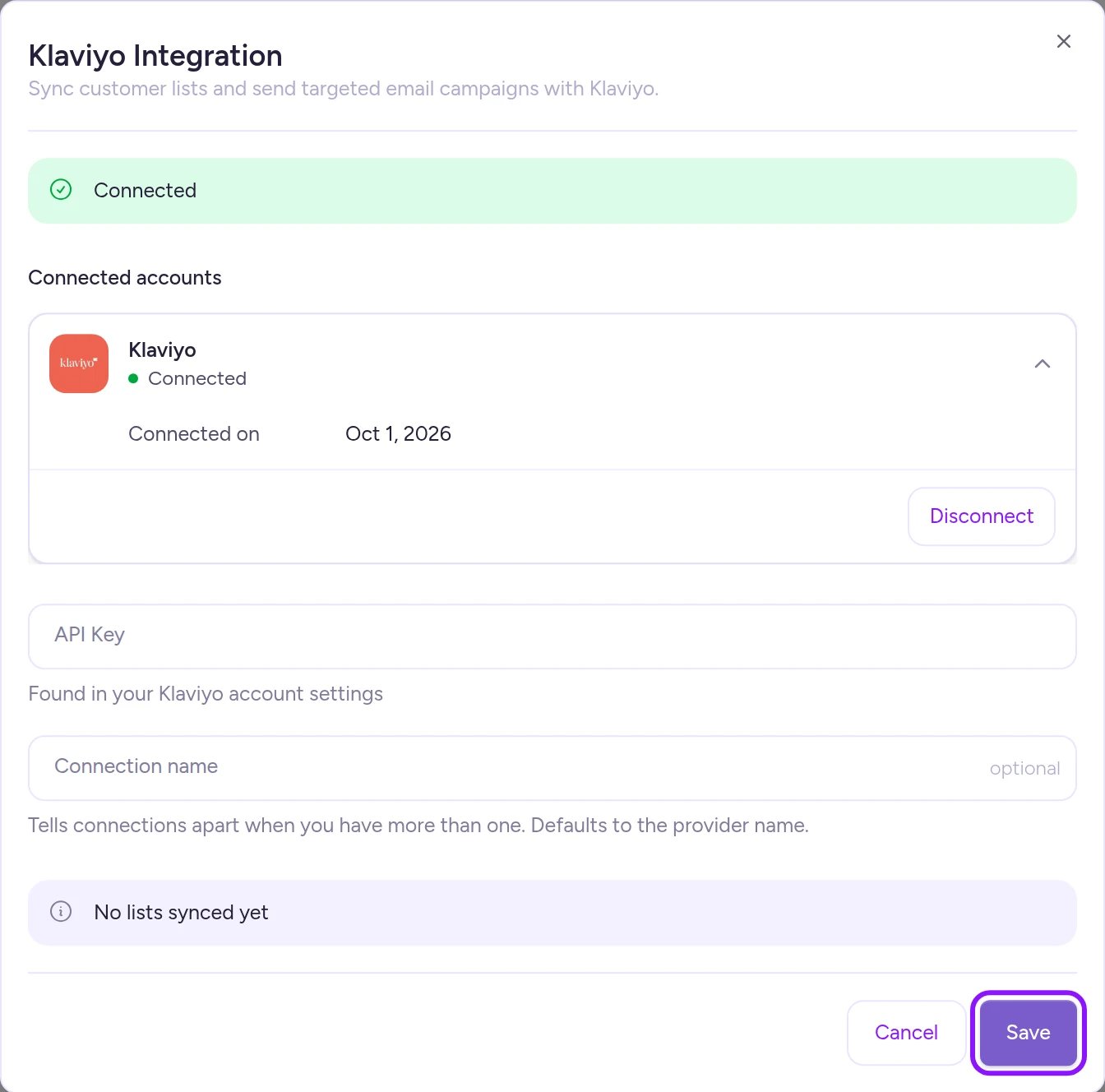
Saving adds a new connection rather than overwriting an existing one.
Google Analytics
Your organization can keep one active Google Analytics 4 connection.Saving this connection stores your Measurement ID and event preferences in Fanfare; it doesn’t automatically transmit events to Google Analytics 4 on its own.
- Select the Google Analytics card.
- Enter your Measurement ID (
G-followed by uppercase letters and digits, such asG-XXXXXXXXXX, found in GA4 under Data Streams). - Under Event Forwarding, choose which event groups (such as Queue or Draw) to include. Use Deselect All or Select All to toggle everything at once.
- Select Save.
Meta
- Select the Meta card, then select Connect with Facebook.
- Sign in to Facebook and leave all requested permissions turned on (turning any off prevents Fanfare from connecting).
- Back in Fanfare, select the Facebook Pages Fanfare can post to in Choose Pages.
- Select Connect selected Pages within 15 minutes.
Discord
- Select the Discord card, then select Add to Discord.
- Choose your server and authorize the Fanfare bot.
- Back in Fanfare, pick your destination channel in Choose a channel.
- Select Connect channel within 15 minutes.
Telegram
- Select the Telegram card.
- Enter your channel’s public username in Channel (for example,
@yourchannel) and select Get code. Private channels without a public username can’t be connected. - In Telegram, add the bot named in the dialog as a channel administrator with Post messages and Edit messages of others permissions.
- Paste the verification code into your channel’s description and save it in Telegram.
- Back in Fanfare, select Verify channel within 30 minutes of generating the code.
Twilio
Only organization admins can connect, edit, or disconnect Twilio.- Select the Twilio card.
- Enter your Account SID (from your Twilio Console home page under Account Info) and Auth Token, then select Test and continue.
- Pick the phone number or Messaging Service that will send your texts. Fanfare lists up to the first 100 SMS-capable numbers and 100 Messaging Services from Twilio—if yours isn’t listed, choose Another number or Messaging Service and enter an international phone number (starting with
+) or a Messaging Service SID (starting withMG). - Select Continue.
- Fill in your SMS program details—Brand name in texts, SMS terms link, and Privacy policy link—and review the Customers will see consent preview.
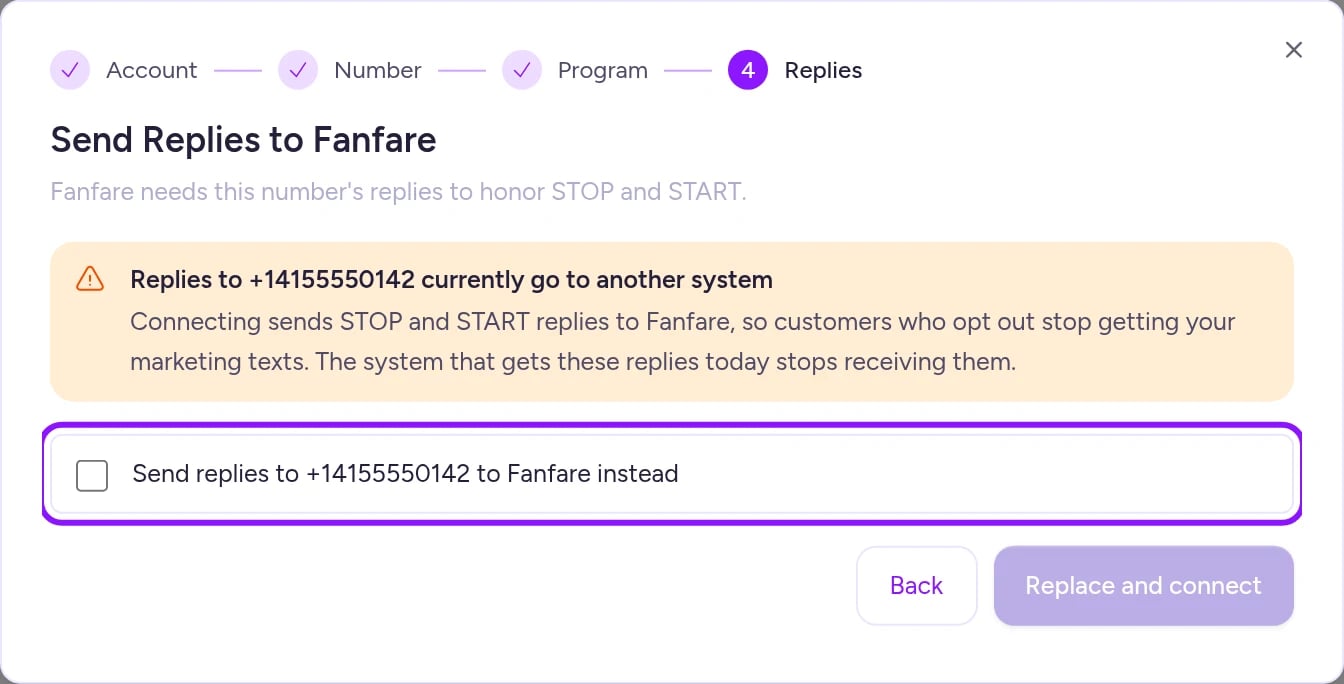
- Select Connect. If prompted to route replies to Fanfare, check the box and select Replace and connect.
Fanfare doesn’t check carrier registration. US carriers block marketing texts from numbers without an approved A2P 10DLC campaign or toll-free verification—confirm your registration in Twilio before sending campaigns.
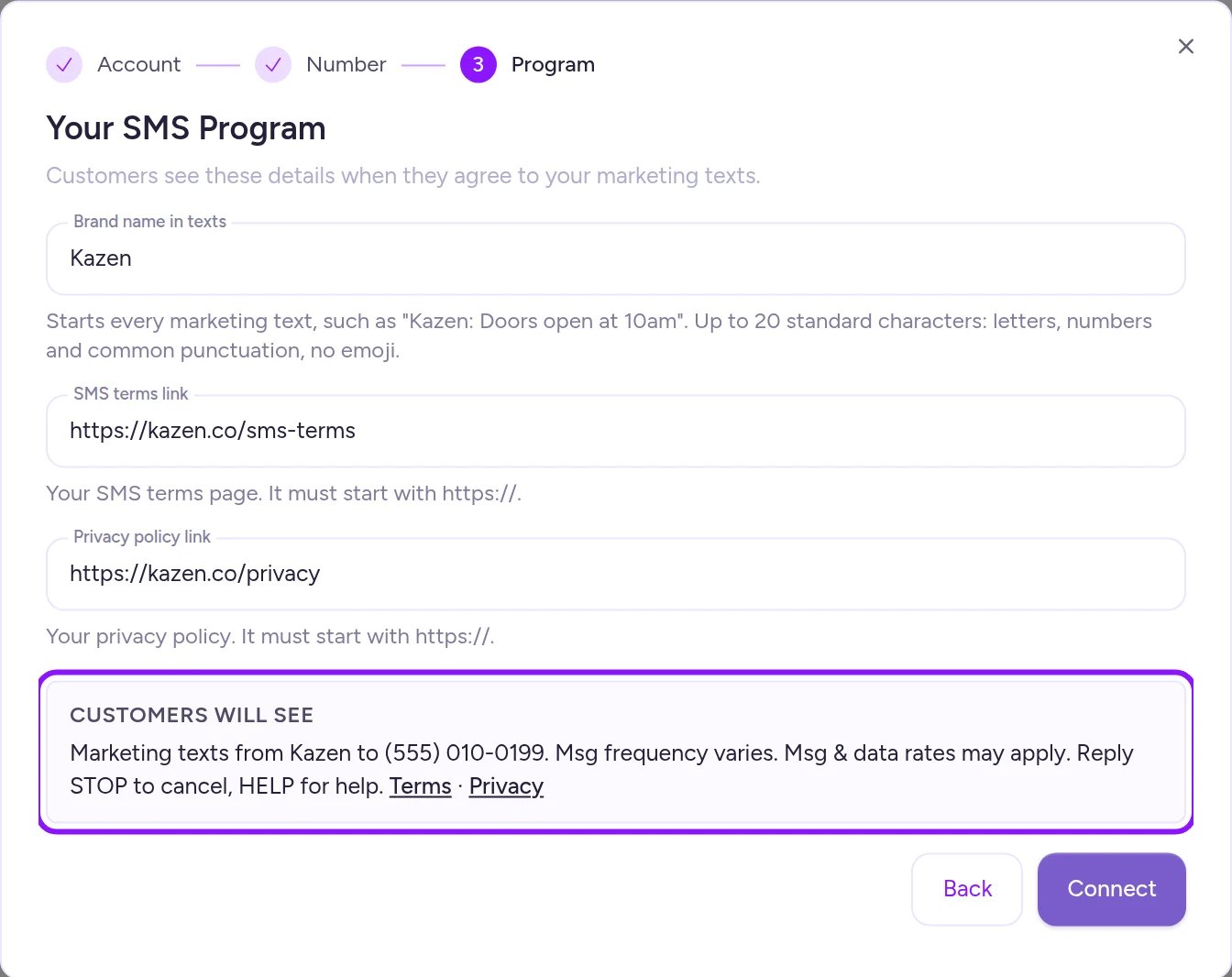
Preview the exact SMS consent wording customers will see before connecting.
When Fanfare asks to take over replies
Fanfare needs to receive replies to your Twilio number so customers who replySTOP are unsubscribed automatically. If replies currently route to another system, selecting Replace and connect updates where Twilio sends replies to Fanfare (and the previous system stops receiving replies).
Update your SMS program
Open the Twilio card, select Edit program details, update any field, and select Save. Changes take effect on your next marketing text and consent prompt.One organization per account
A Twilio account or phone number, a Discord server, and a Telegram channel can each be connected to only one Fanfare organization at a time. If you manage multiple brands in separate organizations, each needs its own account or channel.Manage a connection
Open any integration card to see its Connected accounts, including status, Connected on date, and (for Meta, Discord, and Telegram) the count of Scheduled posts.Reconnect
- Meta, Discord, or Telegram: If a connection shows Needs reconnecting, expand its row and select Reconnect to re-authorize or re-verify.
- Twilio: If Twilio shows Marketing texts are paused (see Troubleshooting), an admin can select Reconnect Twilio and walk through setup again with the same Twilio account—you’ll need to paste your Auth Token again. To switch to a different Twilio account, disconnect first and then connect the new one.
Disconnect
- Klaviyo, Mailchimp, Google Analytics, Meta, Discord, and Telegram: Expand the account row, select Disconnect, and confirm. Any team member can disconnect these integrations.
- Twilio (admins only): Open the Twilio card, select Disconnect, and confirm.
On Shopify
The Integrations page works the same in the Fanfare Shopify app, with four differences:- Permissions: Every Shopify staff member who can open the Fanfare app can connect, edit, and disconnect Klaviyo, Mailchimp, Google Analytics, Meta, Discord, and Twilio—there are no admin-only steps (Team members).
- External sign-in: Connect with Facebook and Add to Discord open outside the Shopify admin and return you to Integrations when finished.
- Social availability: If the Meta or Discord cards show Coming Soon, they aren’t yet available in your Shopify app.
- Telegram: Telegram connections aren’t available inside the Fanfare Shopify app.
Troubleshooting
The connection step expired
The connection step expired
“The connection attempt expired or was already used. Start again.” means Facebook or Discord sign-in took longer than 10 minutes, or you reused an older link. Start the connection again from the integration card.
I see 'Fanfare could not complete this step. Check that you are an organization admin.'
I see 'Fanfare could not complete this step. Check that you are an organization admin.'
Only organization admins can finalize Meta, Discord, or Telegram connections (permissions are checked when saving the selection or verifying the channel). Ask an admin to complete the connection from the start.
Google Analytics says the connection already exists
Google Analytics says the connection already exists
Google Analytics was already connected (for instance, in another browser tab). Reload the page and open the Google Analytics card to edit it.
My account or channel is already connected to another Fanfare organization
My account or channel is already connected to another Fanfare organization
Each Twilio account or number, Discord server, and Telegram channel can only belong to one organization at a time. Disconnect it from the other organization first, or use a separate account—see One organization per account.
Marketing texts are paused
Marketing texts are paused
Marketing SMS campaigns pause while transactional sign-in codes and order texts continue sending from Fanfare. Check the notice for the cause (such as an invalid Auth Token or removed Twilio number), fix it in Twilio if needed, and have an admin reconnect—see Reconnect.
Related
Build audiences
Manage audiences and access gating for your drops.
Announcements
Publish drop announcements to Facebook, Instagram, Discord, Telegram, and SMS.
Plans and what they unlock
See which plans include marketing integrations.
Team members
See which integrations require admin permissions.